Build a Car to Go Far Official and Trusted Links
Play the real experience, find community channels, and send feedback without phishing traps.
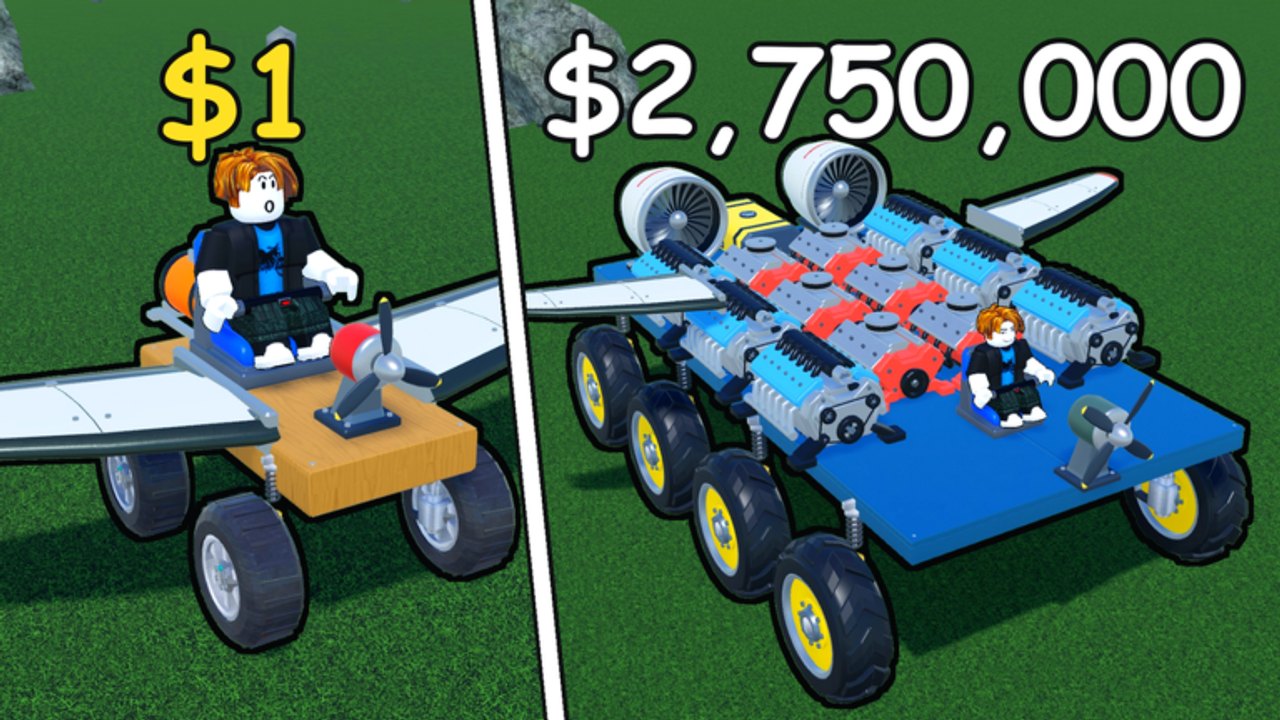
This Official Links Hub keeps Build a Car to Go Far players on verified destinations. Bookmark the real Roblox experience, use Social Links for community channels when the developers list them, and send design notes through the in-game feedback tools instead of random chat invites.
This wiki is a fan-made guide network. It is not owned by Runworks or Roblox. Always confirm codes, patch claims, and Discord invites against the official game page before you spend coins or account trust.
Primary official destination
Play here:
That place page is the source of truth for join counts, favorites, update banners, and the Social Links panel. The experience launched on 2026-09-08 and has grown past 7M+ visits, 100k+ favorites, and roughly 7k concurrent players at typical busy times, with servers sized around 10 players. If a stranger sends a different place ID “because it has free Tuned crates,” treat it as suspicious.
Social Links and Discord
On the Roblox game page, open Social Links for whatever channels Runworks currently lists—often Discord, sometimes other socials. Links rotate, so this wiki does not hardcode invite URLs that can expire or get spoofed. Path:
- Open the official game page above.
- Find the Social Links section on the experience page.
- Join only those destinations.
- Ignore DMs that claim to be “staff codes” or “early jet crates.”
Community servers are useful for build screenshots, patch discussion, and recruiting co-op partners you will later invite through the Roblox People tab. They are not a second shop. Crate prices (Basic 80, Road 850, Workshop 2500, Tuned 15000) still live in-game.
Feedback kiosk in the garage
When something breaks—hinge groups misbehaving, jet fuel draining oddly, pad collisions after a patch—use the feedback kiosk in the garage if it is available in your session. Good reports include:
- What you built (ground car, jet, propeller plane, helicopter with rotors/skids)
- Approximate part count relative to the 1024 cap
- Whether pistons/hinges used groups 1–8
- Fuel size and engine crate tier
- Steps to reproduce after the November 2026 map changes
Clear reproductions help more than “game broken” one-liners. Save rage for meme cars; send bugs through the kiosk.
Trusted wiki routes on this site
Use these internal hubs after you leave the Roblox page:
- Codes — watch for RELEASE, JET, and GOFAR
- Guides Hub and Getting Started
- How to Build, Plane and Jet, Max Distance, Fast Coins, Controls
- Tier List Hub, Engines, Wheels and Fuel
- Updates Hub and Jet Map Update
- Players Hub for co-op etiquette and sharing norms
Those pages explain distance-per-coin ranking, upgrade order (fuel then engine then wheels), offline earnings near ~21.88 coins/hr per early small engine, and flight changes from the November 2026 update. They do not replace the live shop UI.
Safety checklist for links
- Prefer the Roblox URL above over shortened redirects.
- Confirm Social Links from the experience page, not from random images in chat.
- Never enter your password outside Roblox authentication.
- Treat “free Tuned crate” third-party sites as malware bait.
- Cross-check surprise codes against Codes and official posts.
- When friends invite you, use the People tab flow described on the Players Hub.
Why a links hub still needs depth
Players search for Discord, Trello, feedback, and “official site” constantly. A thin bullet list fails them when phishing clones appear after a viral jet clip. This hub exists to slow that moment down: open the real place, read Social Links, use the garage kiosk, then return to wiki guides for builds.
If Runworks adds a roadmap board, merch page, or new social later, verify it from the same Roblox Social Links panel before trusting mirrors. This page will point you back to that panel rather than chase every temporary invite string.
Quick return path
- Play on the official Roblox game.
- Check Social Links for Discord and related channels.
- Use the garage feedback kiosk for bugs.
- Redeem codes, then rebuild using the tier and guide links above.
Stay on official rails, then go far.
Frequently Asked Questions
Quick answers about builds, codes, and Parts Shop prices.
What is the official Roblox link for Build a Car to Go Far?
Use https://www.roblox.com/games/94998162120172/Build-a-Car-to-Go-Far — that experience page is the primary official destination.
Where do I find the Discord?
Open Social Links on the official Roblox game page. This wiki does not hardcode invite URLs because they can change or be spoofed.
How do I send feedback to the developers?
Use the feedback kiosk in the garage when it is available, and include clear reproduction steps with your build type and fuel setup.
Is this wiki official?
No. This is a fan-made resource. Confirm announcements, codes, and community invites through the official Roblox game page and its Social Links.
Which wiki pages should I open after the game page?
Start with Codes and Getting Started, then Tier List or Updates depending on whether you need spending advice or patch context.