Build a Car to Go Far Scripts
Feature list, loadstring, executor steps, and hard safety warnings before you automate.
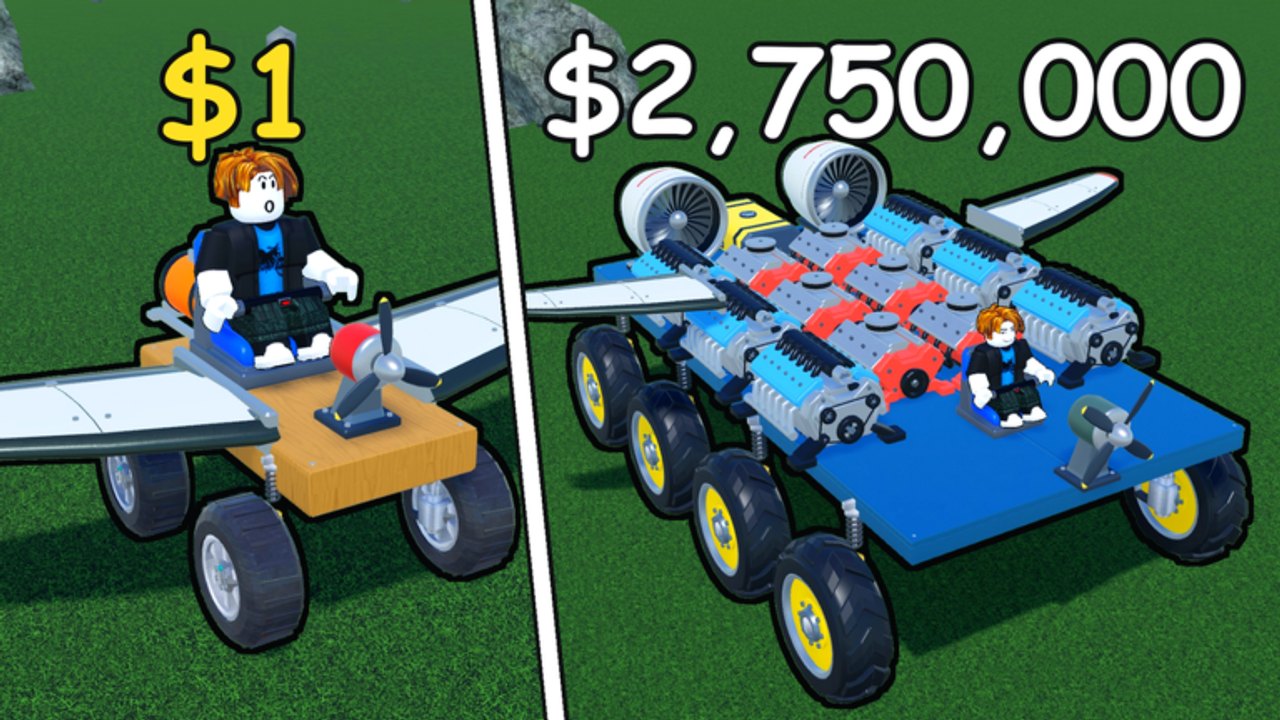
Build a Car to Go Far scripts aim to automate the garage-to-distance loop: place parts, drive for studs, recover from flips, and buy or open crates without clicking every step. This hub documents a commonly shared loadstring, the feature flags players look for, and a careful how-to. Using executors can violate Roblox rules and risk moderation—including account ban. Read the safety section before you paste anything.
If you would rather progress fairly, stick to Getting Started, claim gifts on the Codes Hub, follow How to Redeem Codes, grind Fast Coins, and spend with the Tier List Hub.
Safety disclaimer (read first)
- Executors are third-party tools. They can expose your session to malware, token theft, or unexpected behavior.
- Account ban risk is real. Automating gameplay may break Roblox Terms of Use. We do not encourage ban evasion.
- No warranty. Scripts break after updates. A working paste today can fail or misbuy parts tomorrow.
- Key systems. Some script builds require a key or unlock step before features run. Never pay random strangers in Discord DMs for “instant keys.”
- Mobile note. Community chatter often calls the game mobile-friendly for normal play, but executor workflows are typically desktop-oriented. Do not install unknown APK executors on your phone.
- Prefer alt accounts if you still choose to experiment, and never share your main password or
.ROBLOSECURITYcookie.
This wiki lists scripts for documentation and feature awareness only. You are responsible for what you run.
Featured script features
The shared build players circulate focuses on quality-of-life automation around the core loop (garage build → drive distance → earn coins → buy parts/crates → go farther):
| Feature | What it does |
|---|---|
| Auto Build | Places or completes a configured car layout on the pad so you spend less time dragging parts. |
| Auto Drive | Starts and continues a distance run without holding drive input the whole time. |
| Auto Drive Again | Relaunches another run after you finish or fail, useful for farming studs and coins. |
| Auto Flip | Recovers the vehicle when it overturns so a single tumble does not end the attempt. |
| Auto Buy Crate | Purchases engine crates when you have enough coins. |
| Auto Buy Part | Buys selected Structure, Wheels, Fuel, or Utility parts from the shop tabs. |
| Auto Open Crate | Opens owned crates so Rare / Legendary engines land in inventory faster. |
Use Auto Buy options carefully. Blind crate spam can burn the coins you need for the 615 wooden starter (Reinforced Wood Plank 140, four Road Tires 75 each, Small Fuel Tank 175) or for fuel before Redstone Canyon (3590 studs). River content near 9300 studs still expects a real distance build—not just an open-crate macro.
Offline coin earnings from engines continue whether or not a script is attached. Scripts do not replace daily rewards (Day 1 1000 coins through Day 7 Compact V8 Legendary); claim those manually.
Loadstring
Paste into a trusted executor only after you accept the risks above:
_G.autoExec = false
loadstring(game:HttpGet("https://raw.githubusercontent.com/iLove-yuri/leeeeesbian/refs/heads/main/homumado.lua"))()
_G.autoExec = false keeps the script from auto-running nested loads until you choose to execute. If a key UI appears, complete it through the script’s own prompt—not a phishing clone site.
How to use
- Install an executor you personally trust. This wiki will not recommend a brand. Avoid cracked tools bundled with stealers.
- Join Build a Car to Go Far and wait until the garage HUD is fully visible (Codes button on the left, parts tabs available).
- Attach the executor to Roblox when the game is stable.
- Paste the loadstring into the executor console exactly as shown.
- Execute once. Wait for the script GUI or notifications.
- Configure toggles: enable Auto Build or Auto Drive only when you understand what will be purchased or launched.
- Test in a quiet server (up to 10 players). Tell co-op teammates if automation will move a shared car—surprise Auto Drive can ruin a careful build session.
- Disable buy features before large coin windfalls from codes like
RELEASE,JET, orGOFARso you can spend manually on the wooden kit or tier-ready engines.
If the script errors after a Runworks update (for example flight / jet patches), turn it off. Broken Auto Buy Part logic can empty your balance on the wrong Utility item.
When scripts help vs when they hurt
Helpful cases (still risky): repeating distance farms after your build is proven; recovering from flips on rough terrain; opening a backlog of crates while you watch.
Harmful cases: auto-buying crates before you can finish runs to Redstone Canyon; Auto Drive on an unfinished chassis; running unknown edits of the loadstring; using scripts on a main account with limited games.
Fair alternatives often finish the same goals with less risk:
- Redeem verified gifts via How to Redeem Codes and the Codes Hub.
- Follow the early pad checklist in Getting Started.
- Optimize earnings with Fast Coins.
- Pick engines and parts using the Tier List Hub.
Co-op etiquette
Max 10 players per server with shared build/ride. If Auto Build overwrites a friend’s layout, you create conflict fast. Agree on who owns the chassis, park Auto Drive Again when others are decorating, and never force Auto Buy Crate on a group fund fantasy—coins are still per player.
Troubleshooting
GUI did not open. Rejoin, reattach, execute once. Confirm HttpGet is allowed in your executor.
Key required. Complete the script’s official key flow if you choose to; abandon the tool if the site looks fake.
Auto Flip loops. Terrain or a broken wheel set can thrash the car—disable Auto Flip and fix Structure / Wheels manually.
Wrong parts purchased. Turn off Auto Buy Part, read the shop tabs (Engines, Structure, Wheels, Fuel, Utility), and re-enable only the filters you need.
Ban or kick. Stop immediately. This wiki cannot reverse moderation. Switch to manual play guides linked above.
Related reading
Automation is optional. Most distance records still come from smart chassis design, fuel planning, and disciplined crate timing. Use this Scripts Hub as a feature map and risk briefing, then decide whether the fair path—codes, dailies, and better builds—gets you farther with less downside.
Frequently Asked Questions
Quick answers about builds, codes, and Parts Shop prices.
Is it safe to use Build a Car to Go Far scripts?
No method is risk-free. Executors can ban your account and expose you to malware. Prefer manual play with codes, dailies, and guides whenever possible.
What features does the common script include?
Auto Build, Auto Drive, Auto Drive Again, Auto Flip, Auto Buy Crate, Auto Buy Part, and Auto Open Crate. Some versions also use a key system.
How do I run the loadstring?
Join the game, attach a trusted executor, paste the loadstring with _G.autoExec = false, execute once, then configure the GUI toggles carefully.
Will scripts work on mobile?
Normal play is often called mobile-friendly by the community, but executor scripting is usually desktop-only. Avoid unknown mobile executors.
Can Auto Buy Crate waste my code coins?
Yes. Disable buy automations before redeeming RELEASE, JET, or GOFAR so you can fund a ~615-coin wooden starter or planned tier upgrades manually.
Do scripts replace offline engine earnings or dailies?
No. Offline engine coins and the seven-day reward track still matter. Claim dailies yourself and park strong engines even if you never run a script.